
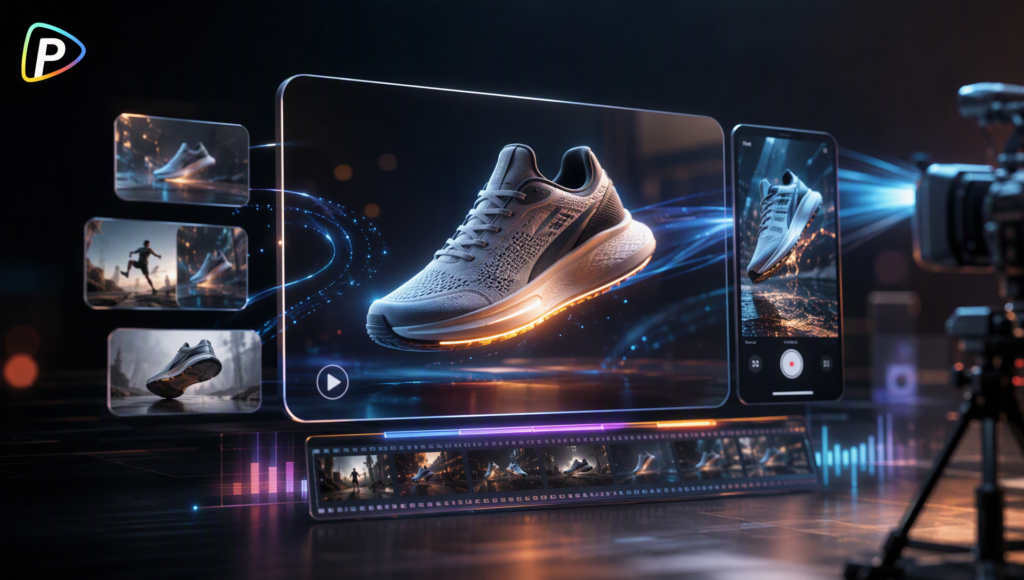
Product videos are widely used across ecommerce listings, social media, and digital advertising. However, producing enough content for a campaign can be difficult when businesses have limited time, budgets, or in-house creative resources.
AI video generators provide another way to create product-focused content from existing images or written ideas. This guide explains how to use Hailuo AI video generator on Pollo AI to produce product ads and refine them for different marketing channels.
Why Do Businesses Need AI Video Generators?
A social media campaign often involves more than simply posting a product image. Businesses may need to plan visual concepts, arrange product shoots, prepare equipment, edit photos and videos, and create multiple versions for different platforms. Teams without in-house designers or video specialists may also need to hire external creatives, adding time and cost to the campaign.
These requirements can be difficult for small businesses and ecommerce sellers with limited budgets. Even when product photos are available, turning them into engaging video ads may require additional production work that is not practical for every campaign.
AI video generators can reduce some of this workload by turning existing product images or text prompts into short promotional videos. They allow businesses to explore different scenes, motion, and visual styles without organizing a separate shoot or building every video from scratch. This gives smaller teams a more accessible way to create video content for product launches, social media promotions, and other marketing activities.
What Is Hailuo AI Video Generator on Pollo AI and Why Choose It?
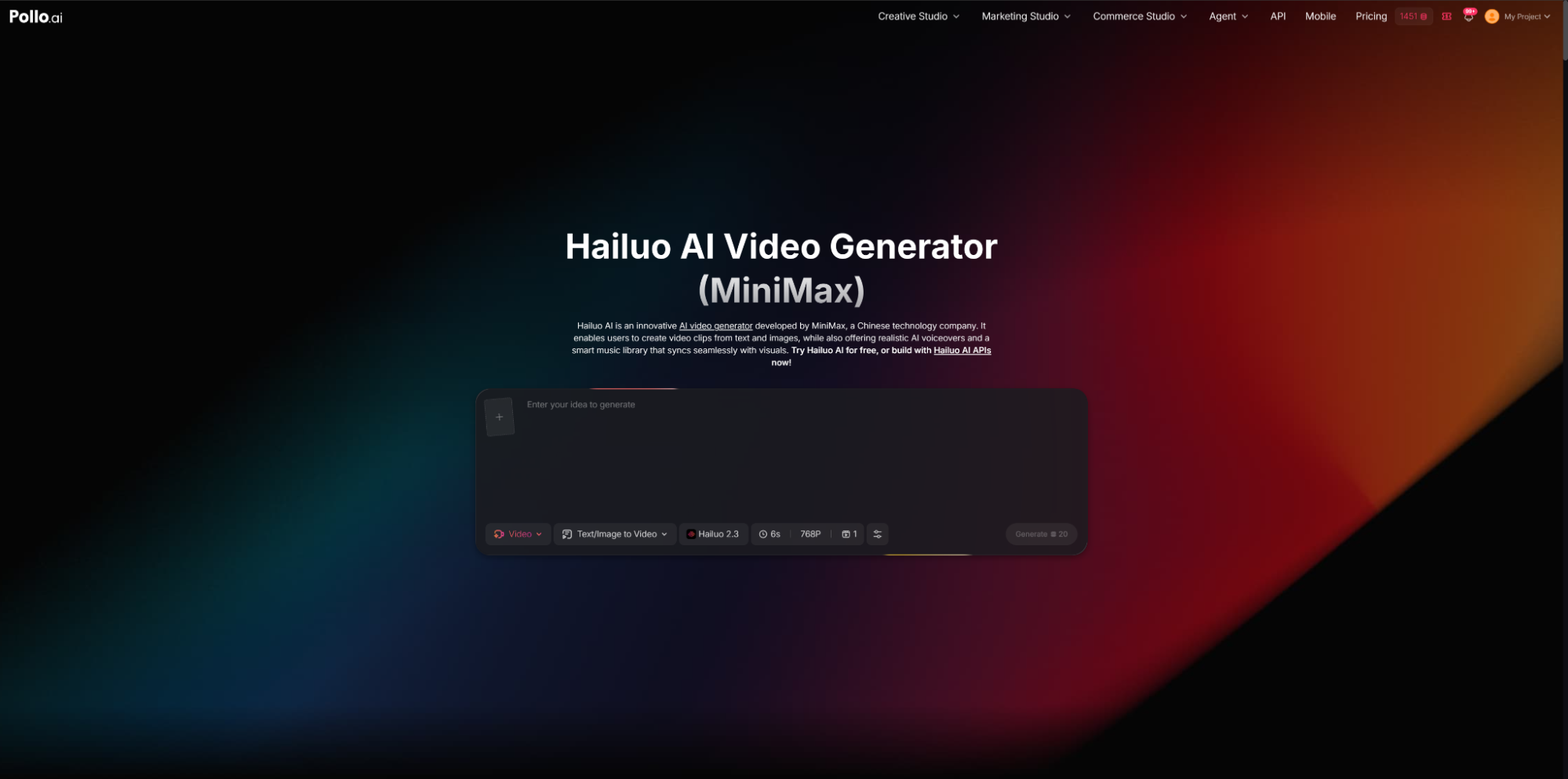
Hailuo AI video generator on Pollo AI uses MiniMax’s AI video model to create short videos from text prompts or reference images. It can generate subject motion, camera movement, and visually detailed scenes, making it suitable for product showcases, promotional clips, and other short-form marketing content.
On Pollo AI, its text-to-video and image-to-video capabilities are available within a broader AI creation platform. Users can turn existing product photos into animated videos or build new advertising scenes from written prompts. They can also access other AI video models and creation tools without moving between separate platforms.
This setup can address several practical marketing needs. Ecommerce businesses can reuse product images to create additional video assets, while marketing teams can test different settings, camera movements, or visual styles for the same product. If Hailuo’s output does not suit a particular campaign, other models on Pollo AI provide alternatives for comparison.
For teams producing product ads regularly, this combines Hailuo’s video generation capabilities with a more flexible workflow for testing and developing different creative versions.
How to Create Product Ads with Hailuo AI Video Generator on Pollo AI
Step 1. Choose Text-to-Video or Image-to-Video
Open Hailuo AI video generator on Pollo AI, which can also serve as an AI ad generator, and select a generation mode based on the available assets.
Choose Image-to-Video when product photos are already available. This can help animate an existing product image while keeping the original product design as the visual reference.
Choose Text-to-Video when creating a new concept or scene. The prompt can define the product, setting, action, lighting, camera movement, and overall style.
Step 2. Upload an Image or Write a Product Ad Prompt
For Image-to-Video, use a clear product image with good lighting and a simple composition. The product should be easy to identify and should not be heavily covered by other objects.
For Text-to-Video, describe the advertisement rather than only naming the product. Include the product, setting, action, lighting, camera movement, and visual style.
For example:
A premium coffee machine in a modern kitchen with warm morning light. The camera slowly moves toward the machine as coffee pours into a ceramic cup. Clean, polished commercial style.
The prompt provides clear instructions for the subject, scene, motion, and tone.
Step 3. Select the Video Format
Choose the available video settings according to where the ad will be published.
Vertical videos are generally suited to TikTok, Instagram Reels, and other mobile-first platforms. Horizontal videos may work better for websites, YouTube, or product pages.
Selecting the format before generation can reduce the need for later cropping or editing.
Step 4. Generate and Review the First Version
Generate the video and review it as a draft.
Check whether the product remains recognizable, the camera movement supports the presentation, and the background fits the campaign. The product should be visible early in the video, particularly when the content is intended for social media advertising.
If the result does not match the original idea, identify which part needs adjustment before generating another version.
Step 5. Refine the Prompt and Create Variations
Adjust the prompt based on the first result.
If the product is unclear, add:
The product remains centered and clearly visible.
If the background is distracting, use:
A clean, minimalist studio background.
If the movement is too fast, specify:
Slow, smooth camera movement.
Create several versions by changing the setting, lighting, or camera direction. Comparing these outputs can help determine which approach is most suitable for the campaign.
Step 6. Check the Video Before Publishing
Review the final version based on its intended use.
Check whether:
● The product is easy to recognize.
● Important features are visible.
● The opening attracts attention.
● The movement looks natural.
● The style fits the brand.
● The format matches the platform.
Add product names, prices, branding, or a call to action in a separate editor if needed.
Tips for Better Product Ads
Keep the Product Visible
Avoid overly detailed backgrounds or excessive effects. The product should remain the main visual focus.
Use Specific Camera Instructions
Instructions such as “slow push-in,” “smooth orbit,” or “close-up reveal” provide clearer direction than simply requesting a cinematic video.
Keep Prompts Focused
Include the product, setting, movement, lighting, and style, but avoid adding unrelated details that may make the scene less consistent.
Generate More Than One Version
Small prompt changes can produce noticeably different results. Creating several versions provides more options for different audiences or platforms.
Match the Video to the Channel
Adjust the format and pacing for the intended platform. Short vertical videos may suit social media, while product pages may benefit from a slower, more detailed presentation.
Conclusion
AI video generation can help businesses create product content without filming every advertisement from scratch. Hailuo AI video generator on Pollo AI supports both text-to-video and image-to-video workflows, allowing users to turn product images or written concepts into short marketing videos.
Clear inputs, focused prompts, and a few rounds of refinement can make the results more suitable for product campaigns across ecommerce and social media.




















1 Comment on "How to Create High-Converting Product Ads with Hailuo AI Video Generator on Pollo AI"
Would you like to share your thoughts?
Your email address will not be published. Required fields are marked *