
You write a great scene, generate it, and the result looks like a screensaver: everything in focus, evenly lit, nothing guiding your eye. Flat footage usually isn’t about a bad idea. It comes from leaving camera, light and color to default settings. This guide covers seven controls that add depth, focus and mood, and you can test each one in an AI cinematic video generator before you commit to a final cut.
Which 7 Pollo Cinema Controls Add Depth to an AI Scene?
Depth comes from coordinated choices that separate the subject from the setting and guide attention through the shot. Test these controls one at a time:
- Camera choice. Start by deciding whether the scene should feel intimate, observational or large in scale. The camera choice establishes the general visual character before smaller settings are adjusted.
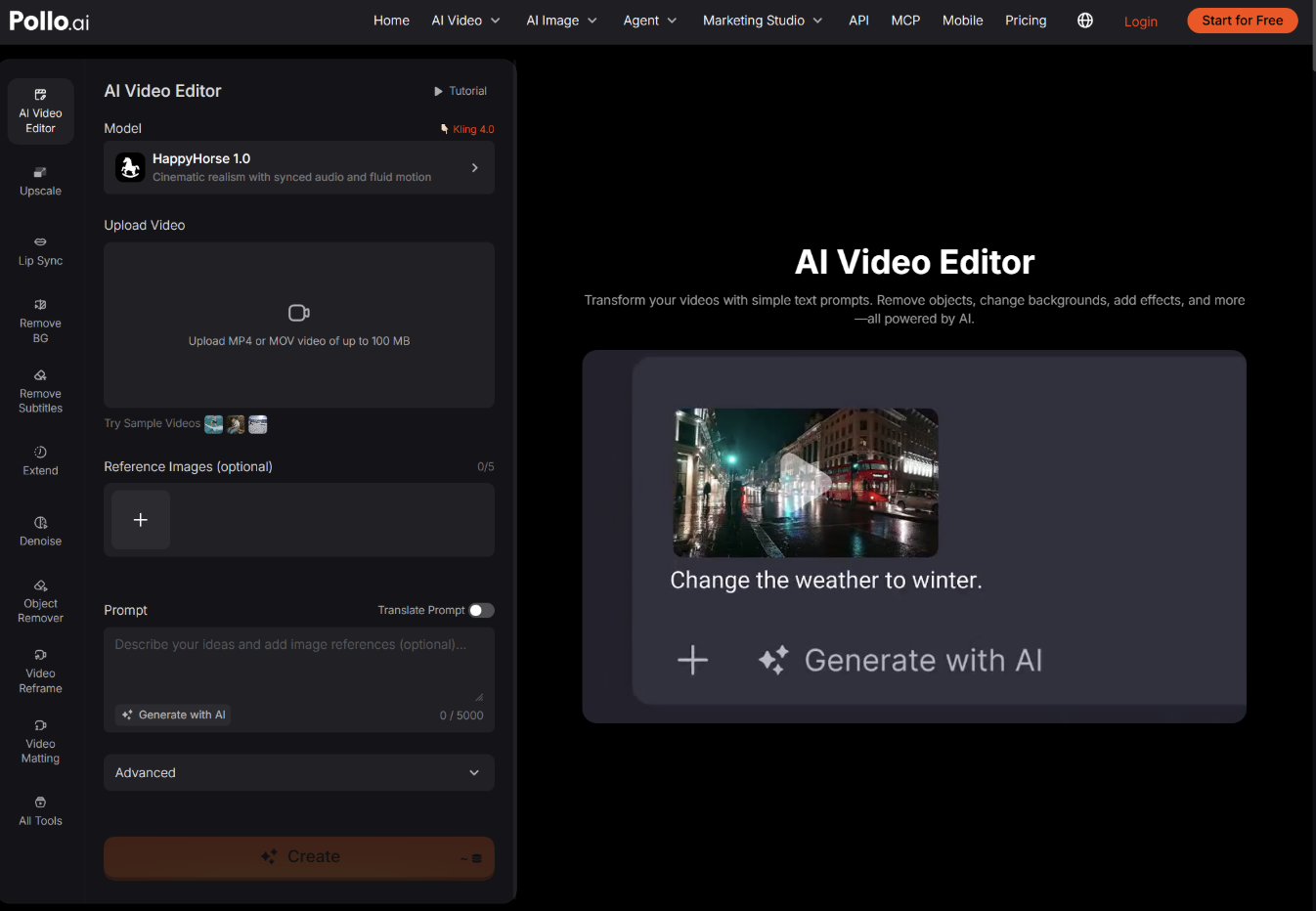
- Lighting direction. Use light and shadow to separate the subject and clarify the mood. After generating, you can use AI video editing to refine the result when a background, atmosphere or distracting element still weakens the shot.
- Lens selection. Use a wider view when the environment matters and a tighter view when expression or product detail carries the moment. An unsuitable lens can make a close scene feel distant or distort a reveal.
- Aperture and focus. A shallower look separates a face or object from the background, while greater depth keeps the environment readable. Choose according to the story, not simply because blur appears cinematic.
- Shot size and framing. Define whether the audience needs an establishing view, medium interaction or close-up reaction. Keep the main subject away from cluttered edges and leave purposeful negative space.
- Camera movement. Use one motivated move, such as a slow push-in for tension or a reveal that exposes scale. Unnecessary movement makes the shot feel like a demo rather than part of a film.
- Color palette. Choose a grade that supports the emotion: restrained cool tones for distance, warm tones for familiarity or stronger contrast for heightened drama. Keep the palette consistent with surrounding scenes.
Which Pollo Cinema Controls Suit Your Project?
Start with the controls that match your story’s biggest need. Here is where each type of creator might begin:
| Creator | Start with | Why |
| Independent filmmakers | Film preset, camera, movement | Show collaborators the framing and pacing you have in mind |
| Fantasy and sci-fi creators | References, camera, lighting | Keep characters and landscapes consistent while the camera reveals the world |
| Brands and creative teams | Camera, lighting, movement | Give a product reveal a purposeful move and light that draws attention to detail |
| Music artists | Color grading, lighting, film preset | Build a distinct palette, atmosphere and pace for a music video |
How Do You Get Started With Pollo Cinema?
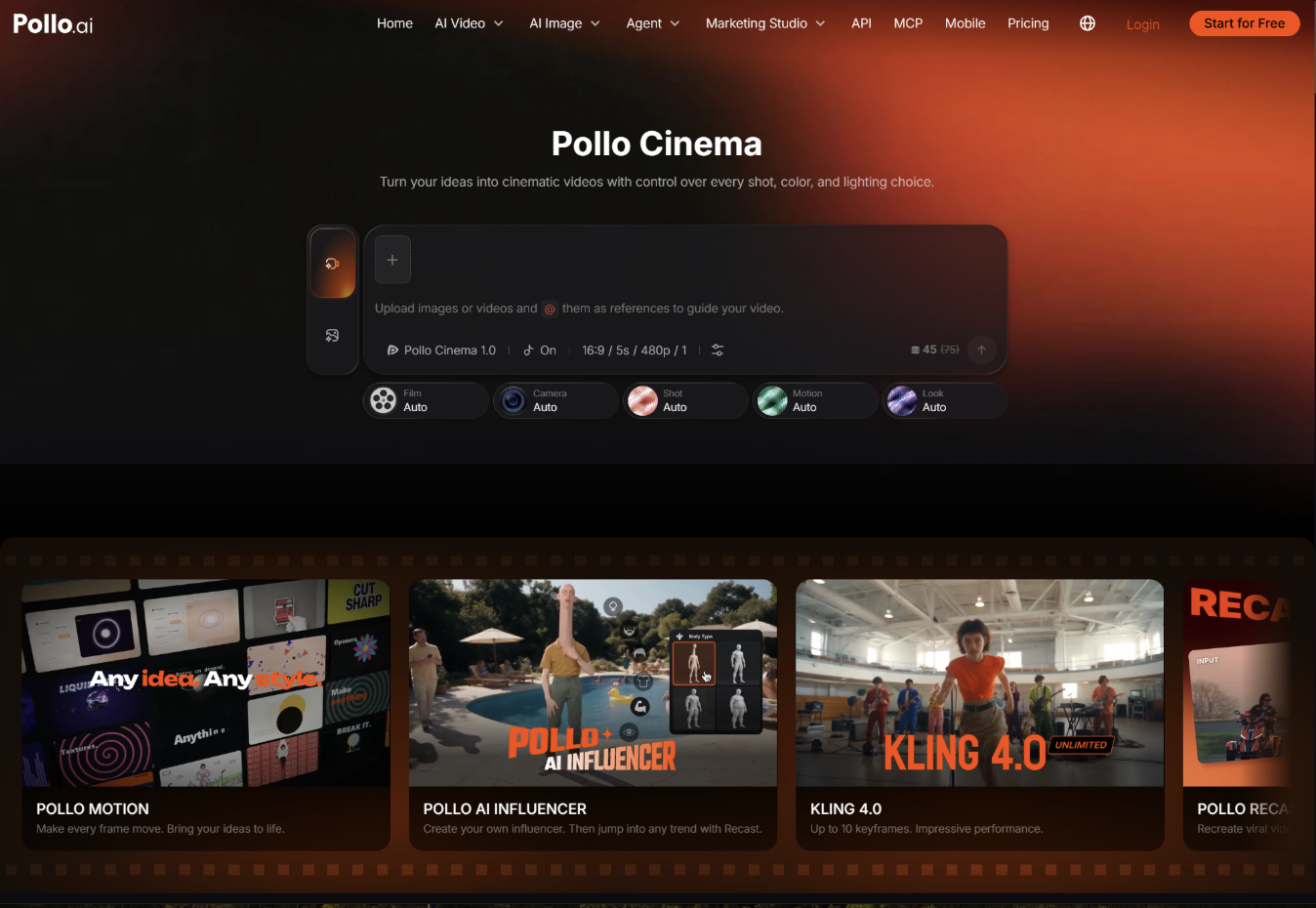
You don’t need filmmaking experience. Pollo Cinema combines simple prompts, references and ready-made film settings. Write a clear prompt with the subject, action and setting, add your references, choose the film and visual settings, then generate a first version and adjust from there.
Ready to Add Depth to Your Next Scene With Pollo Cinema?
A flat scene is rarely a dead end. It usually needs a decision about focus, movement, color or light. Pick one scene you’ve already generated, open it in Pollo Cinema, change just the aperture or the lighting, and compare the new version with the old one. You can try it for free, so the first test costs only a few minutes.






















0 Comments on "Why Do Your AI Film Scenes Look Flat? 7 Pollo Cinema Controls That Add Depth"
Would you like to share your thoughts?
Your email address will not be published. Required fields are marked *