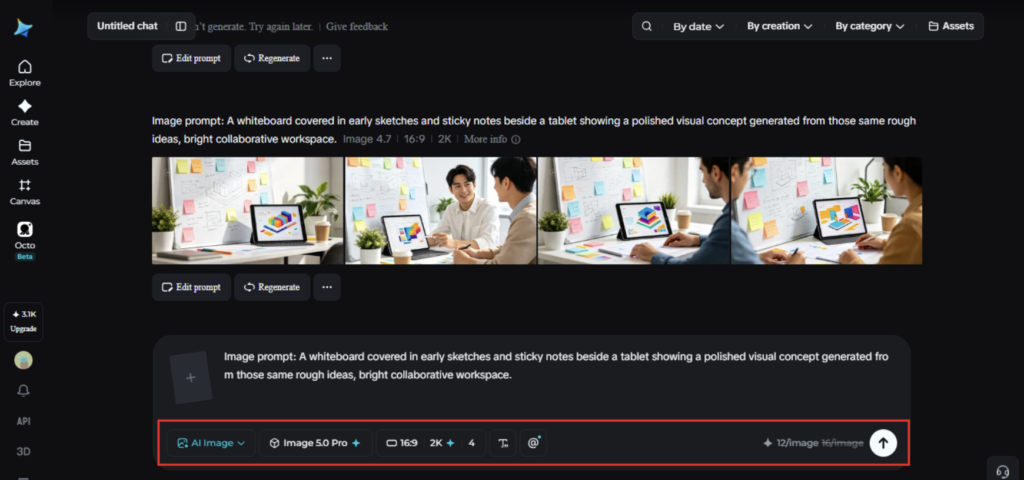
A brand-new idea is often the hardest thing to explain out loud. It exists as a feeling, a half-formed direction, something that makes sense in someone’s head but falls apart the moment they try describing it to a room full of people. Visuals solve that problem faster than words ever could. An AI image generator lets a new idea get tested visually within minutes of first thinking of it, long before it’s polished enough to pitch formally. Dreamina, running on its newest model Seedream 5.0 Pro, is particularly well suited to this early, exploratory stage of turning a new idea into something people can react to and respond to honestly.
Why new ideas need to be seen, not just described
Words carry ambiguity that images don’t. Describing a product as “playful but premium” leaves everyone in the room picturing something slightly different. A single generated visual collapses that ambiguity fast, giving a team something concrete to agree or disagree with instead of arguing over adjectives. New ideas benefit enormously from this shortcut, since the earlier a concept becomes visible, the sooner real feedback can start shaping it.
What a new idea needs before it becomes a visual
Not every idea is ready to prompt effectively right away. A few things worth pinning down first:
- The core feeling or promise behind the idea, not just its function
- A rough sense of audience or context, who this is meant for
- One or two reference points, styles or moods that feel adjacent to the idea
Even loosely defined, these anchors keep the first generated visual from missing the point entirely.
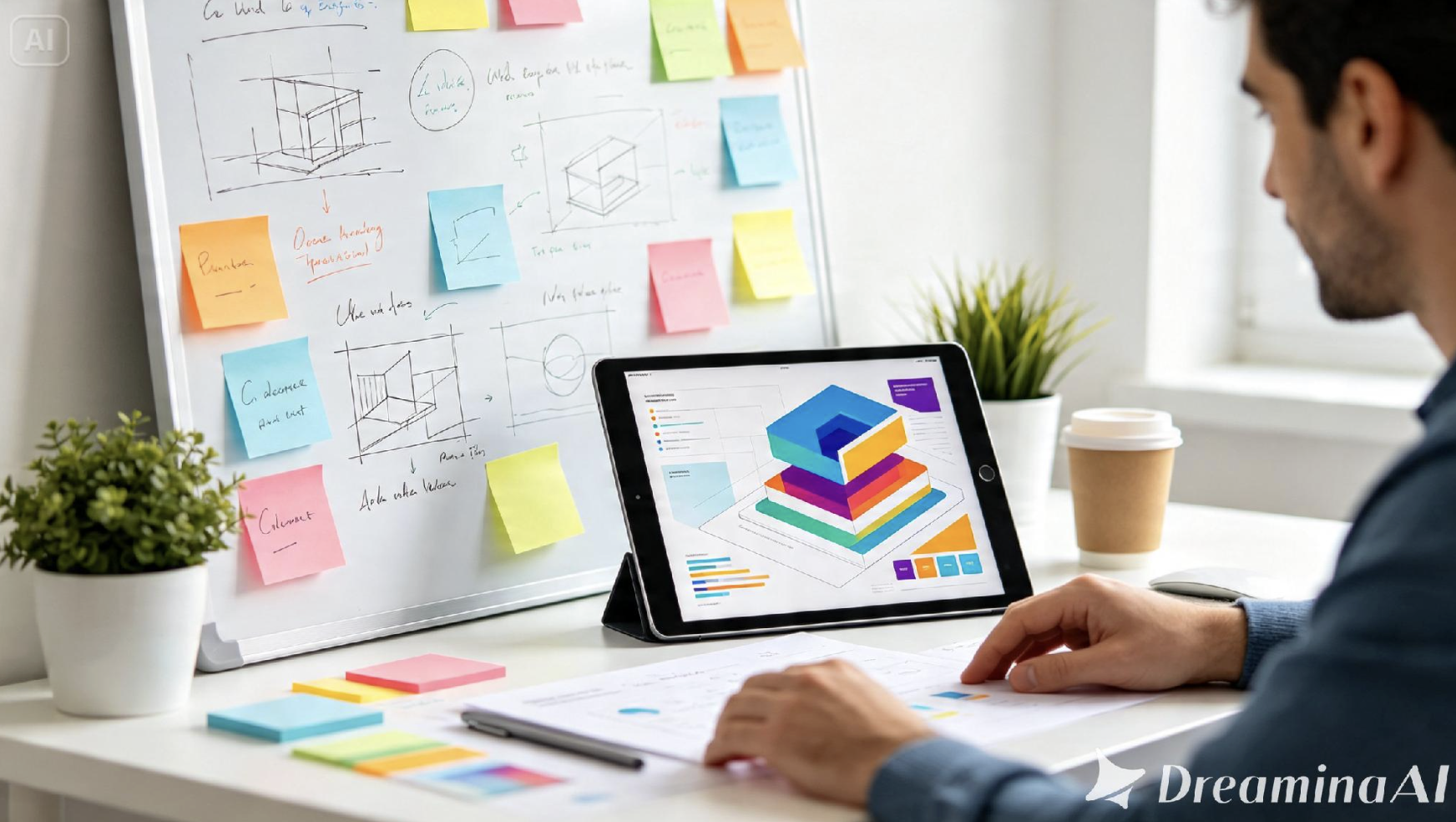
Meet Dreamina’s Seedream 5.0 Pro
Seedream 5.0 Pro suits early-concept work particularly well because it reasons through the relationships in a prompt rather than reacting only to literal keywords, which matters when an idea is still forming and the description carries some ambiguity. Point selection, lasso tools, and sketch guidance let a rough first pass get refined quickly once a direction starts to click. Layer separation adds flexibility here too, letting elements shift independently as a team iterates toward the version that captures the idea best. With 2K output for detail sharp enough to evaluate seriously, and built-in research keeping generated concepts grounded in something current rather than dated, it’s a model built to move fast without producing something disposable.
Getting a new idea in front of people fast
This is where an idea stops living only in someone’s head. Here’s how it plays out inside Dreamina.
Step 1: Write a text prompt and/or add reference image
Head to Dreamina and describe the idea along with its core feeling, audience, and any early visual reference points, even loose ones. Upload an image reference if a concept sketch or mood board is already available.
For instance, a potential prompt would be something like this: “A modern subscription meal kit box targeting busy young professionals, fun yet luxurious impression, color scheme with terracotta and cream, minimalistic packaging design.”
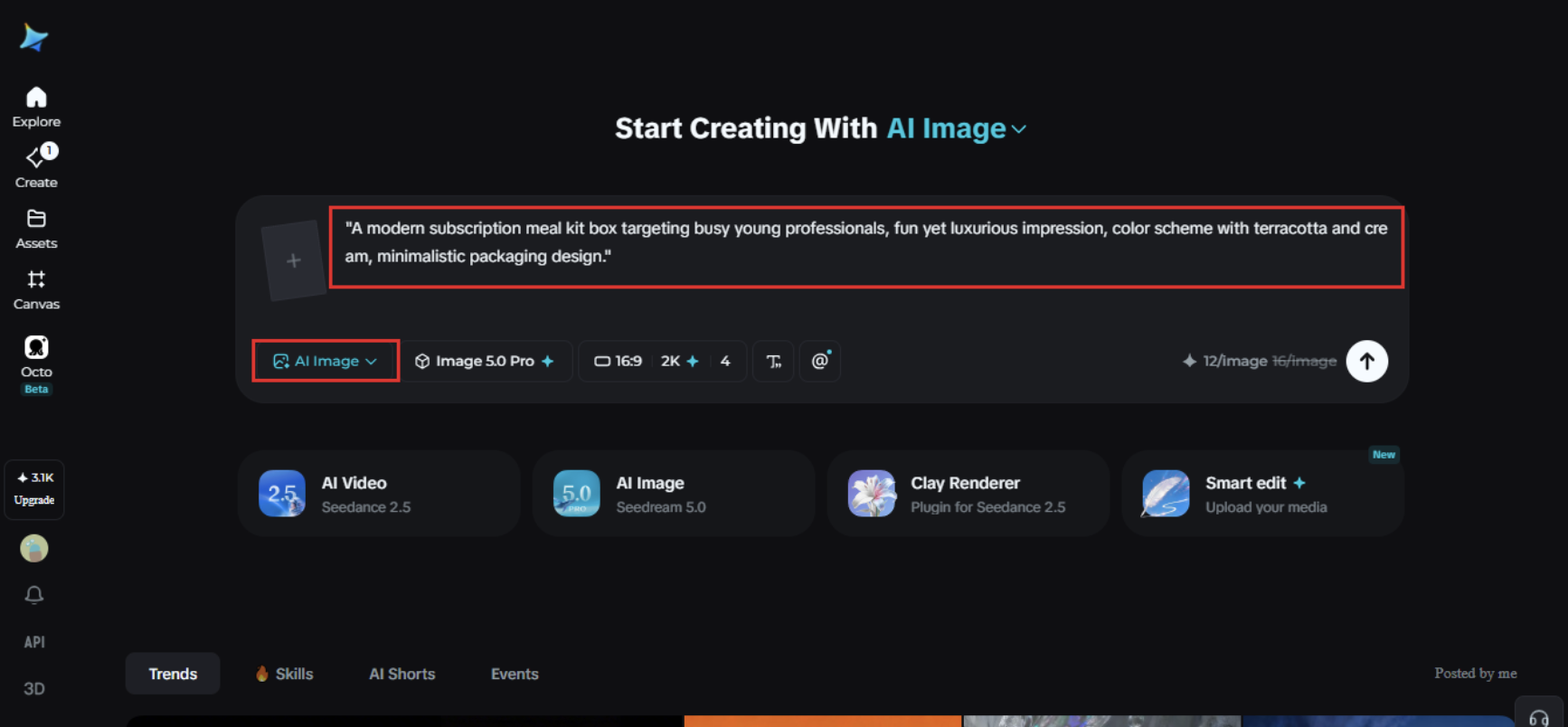
Step 2: Adjust parameters and generate
Select Image 5.0 Pro by Seedream 5.0 Pro as your model. Set aspect ratio and size based on how the concept will be shared or presented, then pick resolution, 1K for a fast early pass, 2K once the direction is worth showing to others. Click Dreamina’s icon once it’s set, and let it generate.
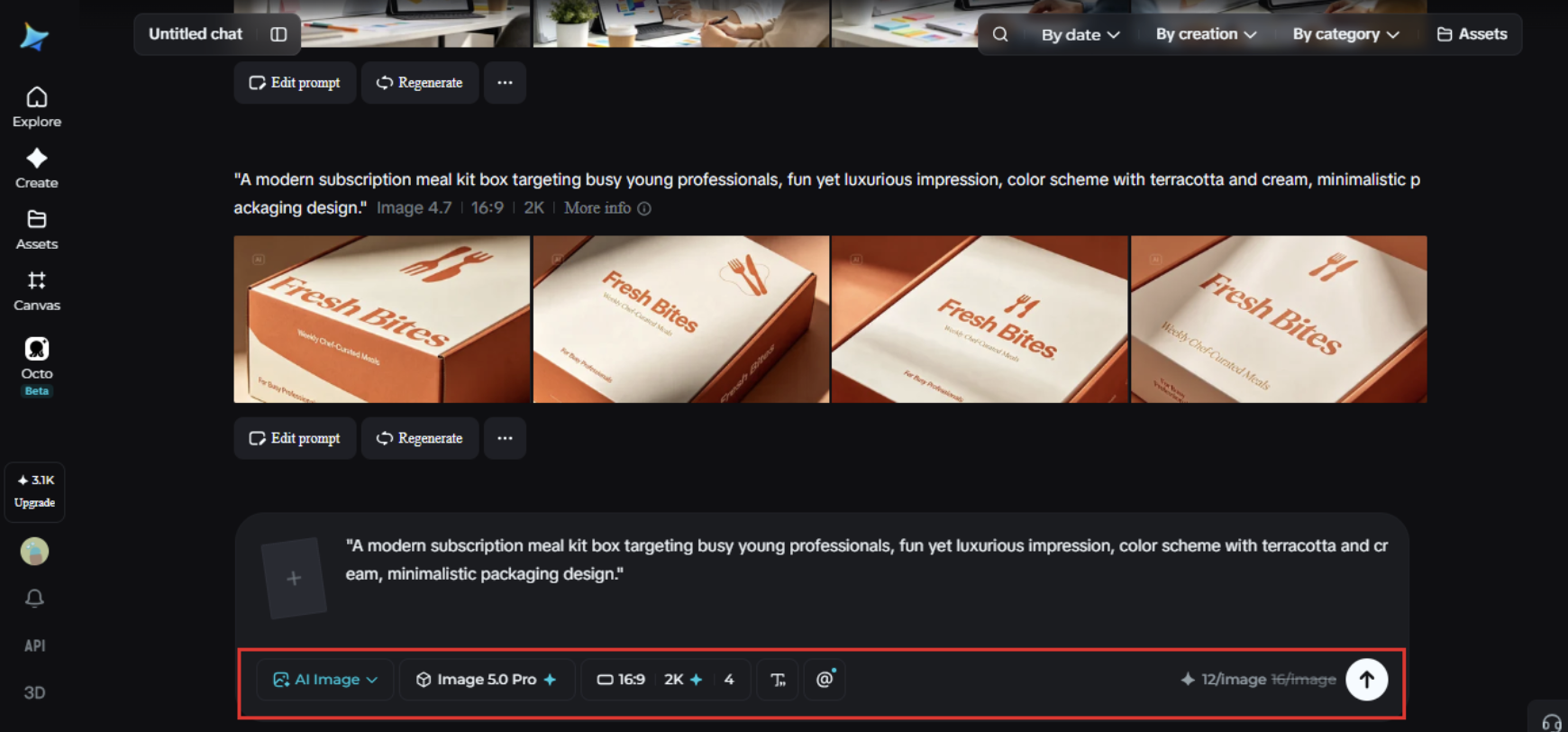
Step 3: Customize and download
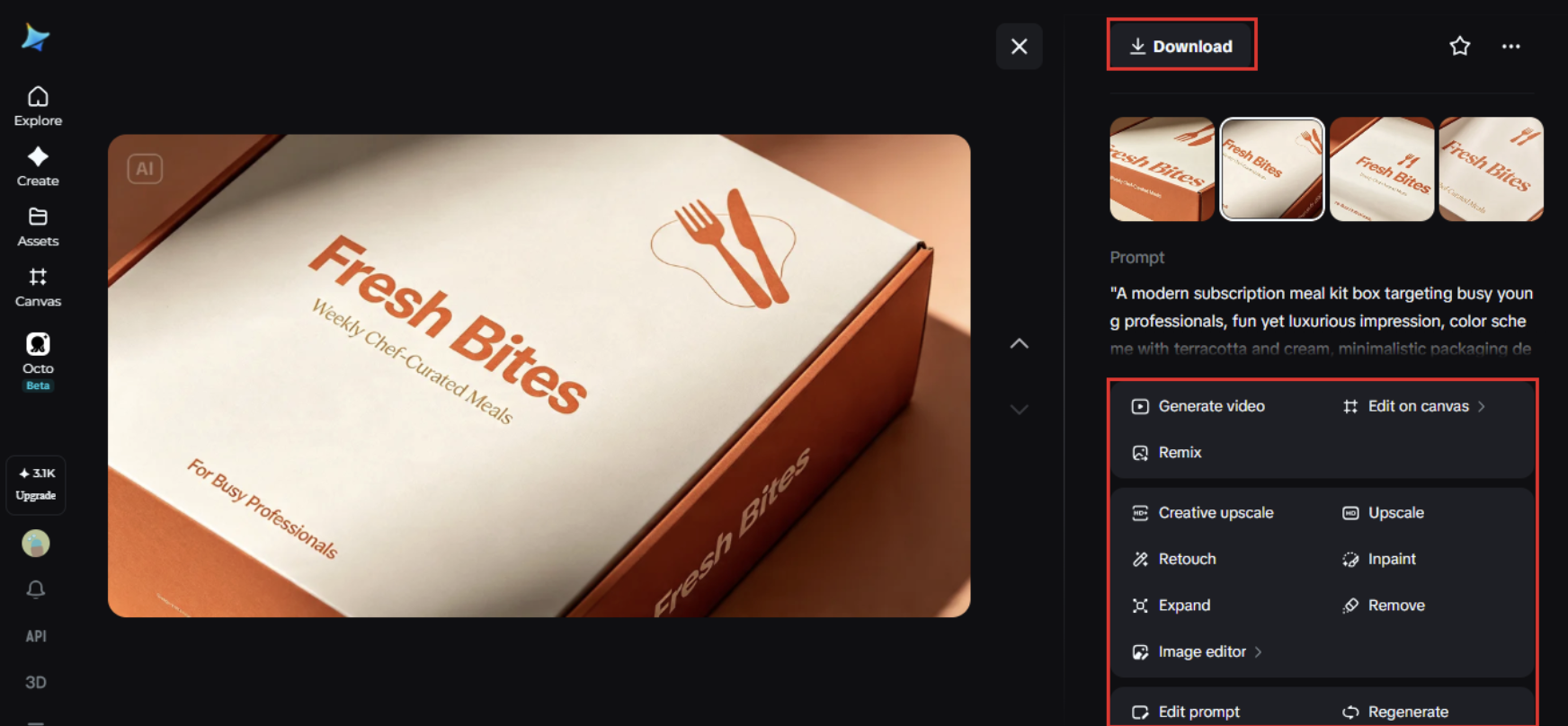
An early concept rarely nails the idea completely on its first pass, which is normal at this stage. Use inpaint, expand, remove, and retouch to push the mood closer to what the idea was chasing in the first place, or fix a detail that pulled focus from the core concept. Once it feels close enough to react to, hit “Download.”
Iterating fast without losing the original spark
Early concepts can drift quickly if every round of feedback pulls in a different direction. A few habits help keep momentum without losing the core idea:
- Write down the original feeling behind the idea before starting to iterate
- Compare each new version against that original feeling, not just the last draft
- Resist polishing too early, since a rough concept still needs room to change
Keeping that original spark visible prevents an idea from getting refined into something unrecognizable.
Mistakes that stall a new idea before it gets anywhere
A handful of habits tend to slow down this kind of early work. Waiting until an idea feels fully formed before visualizing it wastes the exact advantage speed provides at this stage. Treating the first generated version as final rather than a starting point skips the iteration that usually gets an idea somewhere genuinely interesting. Chasing polish before the core concept is settled often means reworking finished details later anyway, once the actual direction shifts.
Where this approach earns its place
Turning new ideas into visuals fast tends to matter most in a specific set of situations. Product and brand ideation benefit heavily, letting a team react to something concrete within a single meeting instead of waiting weeks for a mockup. Pitch decks and early investor conversations follow a similar pattern, giving a raw idea enough visual weight to be taken seriously. Creative brainstorming sessions get real value here too, turning a passing thought into something the whole room can actually respond to.
Wrapping up
A new idea was never weak for being unfinished, it just needed a faster way to become visible. With Dreamina and Seedream 5.0 Pro, that idea can go from a half-formed feeling to a concrete visual concept within the same conversation it was first mentioned in.




















1 Comment on "Turning New Ideas into Visual Concepts"
Would you like to share your thoughts?
Your email address will not be published. Required fields are marked *